
How to Customize Design Templates for Google Pay and PhonePe QRs
Learn how to brand and style your payment standees using custom templates while ensuring compliance with scan-to-pay standards.
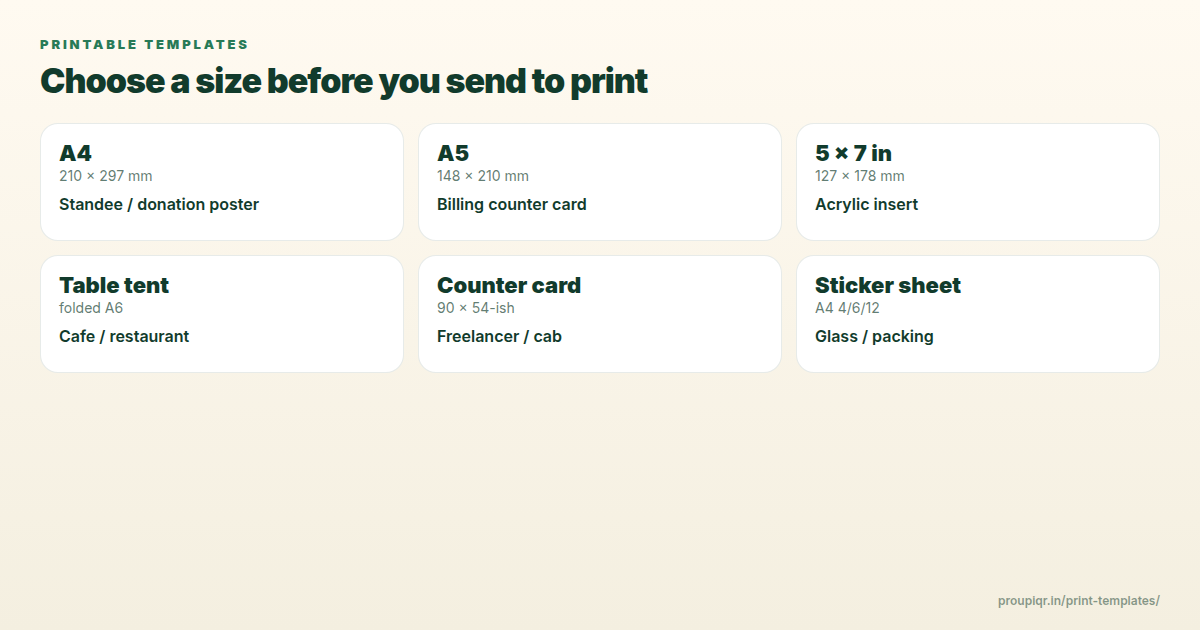
While standard blue or green stickers provided by banks work, they do nothing for your store’s brand. Business owners spend a lot of effort designing logos, choosing color palettes, and organizing counter layouts, only to put a generic QR sticker on top.
With custom design templates, you can create a beautiful check-out standee that matches your brand guidelines perfectly. Here is how.
The Technical Boundary: What NOT to Edit
To ensure your custom QR code remains scannable by all apps:
- Do not edit the QR Code grid itself: The black/white patterns, alignment squares (large corner boxes), and quiet zones must remain untouched.
- Maintain Contrast: The QR code must remain high-contrast (dark pixels on a light background). Do not use light pastel colors for the QR squares.
- Keep the Logo Small: If you embed a brand logo inside the center of the QR code, ensure it doesn’t cover more than 15% of the code area. UPI QR codes use low-level error correction, so covering too much can cause scanning to fail.
Step-by-Step Customization
- Go to Pro UPI QR.
- Enter your payment details.
- Select one of our premium designer templates (we have styles for cafes, clinics, freelancers, and stores).
- Tap Download.
- If you want to customize further, import the downloaded high-resolution card into design tools like Canva. You can add your business logo, custom text instructions, or frame borders around the layout card.
Recommended Print Finishes
Once designed, take it to your local print shop and ask for:
- Matte Cardstock (300 GSM): Prevents reflections from overhead store lights.
- Lamination (Matte): Protects the standee card from spills and grease on restaurant tables.
Kunal Siyag
Founder, Pro UPI QR
Founder of Pro UPI QR. Builds the generators and calculators, writes the merchant guides, and cites NPCI, RBI, and bank sources instead of inventing a research team.
Related Articles
Create & Print UPI QR Code Standee for Your Shop
Design, size, and print a matte UPI QR standee for the billing counter — A6/A5 sizes, 300 DPI, quiet zone, and a two-app test-scan checklist.
UPI QR PNG vs PDF vs SVG: Best File Format for Printing
Choose the right download format for cyber café prints, professional press, and WhatsApp sharing without blurry or unscannable QRs.
How to Change UPI ID on a Printed QR Standee (Bank Switch Guide)
Switched banks or got a new VPA? Learn how to retire old UPI QR standees, regenerate codes, and avoid payments going to the wrong account.
Related tools
Four siblings in this topic — the full inventory lives on the hub.
UPI standee generator
Full-page payment posters for acrylic T-stands.
Printable template gallery
A4, A5, 5×7, table tents, counter cards, and sticker sheets.
A4 QR sticker sheets
Print 4, 6, or 12 counter stickers per sheet.
Shop sale poster builder
Discount banners with your UPI QR baked in.