
Create & Print UPI QR Code Standee for Your Shop
Design, size, and print a matte UPI QR standee for the billing counter — A6/A5 sizes, 300 DPI, quiet zone, and a two-app test-scan checklist.
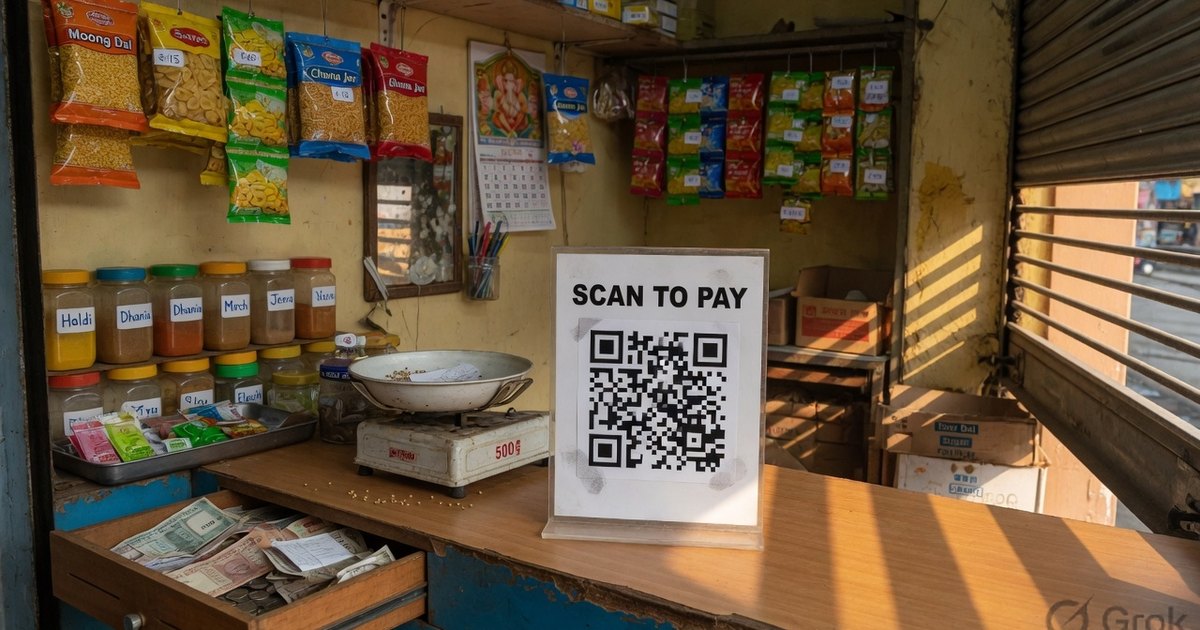
A counter standee is a printed UPI QR held upright at scan height. Generate the code from your VPA, print on matte 300 GSM at 300 DPI, keep a white quiet zone, and test-scan from two apps before it sits on the desk. One interoperable QR is enough — customers pay from PhonePe, GPay, Paytm, or BHIM.
Last reviewed 27 August 2026.
Why a standee beats a taped screenshot
- Scan distance. An upright A6 card is readable from 3–5 feet. A phone screenshot taped to a jar is not.
- Name in large type. The payee name on the poster should match the name the app will show. Mismatches cause abandoned checkouts.
- One code, every app. A standard
upi://payQR is not locked to PhonePe or GPay. See PhonePe vs Paytm vs GPay. - Replaceable. Acrylic T-stands let you swap the insert when the VPA changes. Changing a UPI ID on a printed standee.
Step 1 — Generate the QR
- Open the Pro UPI QR generator.
- Enter payee name exactly as the bank registered it.
- Enter UPI ID / VPA.
- Leave amount blank for a general shop desk. Lock an amount only for a fixed SKU or ticket — fixed-amount QR.
- Download PNG or PDF.
App-branded templates: PhonePe · Google Pay · BHIM. Branding is decoration; the payload is the same.
Step 2 — Pick a layout
- Shop payment standee — kirana, pharmacy, hardware.
- Restaurant table tent — compact vertical insert.
- Cab / dashboard card — high contrast for mixed light.
Preview, then export. Do not screenshot the browser window.
Step 3 — Print size and material
| Standee | Size | Material |
|---|---|---|
| Acrylic table tent | 4×6 in (A6) or 5×7 in | 300 GSM matte art card inside acrylic |
| Counter sunboard | A5 or A4 | 3 mm or 5 mm PVC |
| Vinyl sticker on glass | Custom | Matte vinyl; see waterproof stickers |
Default recommendation: A6 or 5×7 matte insert in acrylic. Wipeable, replaceable, hard to knock over.
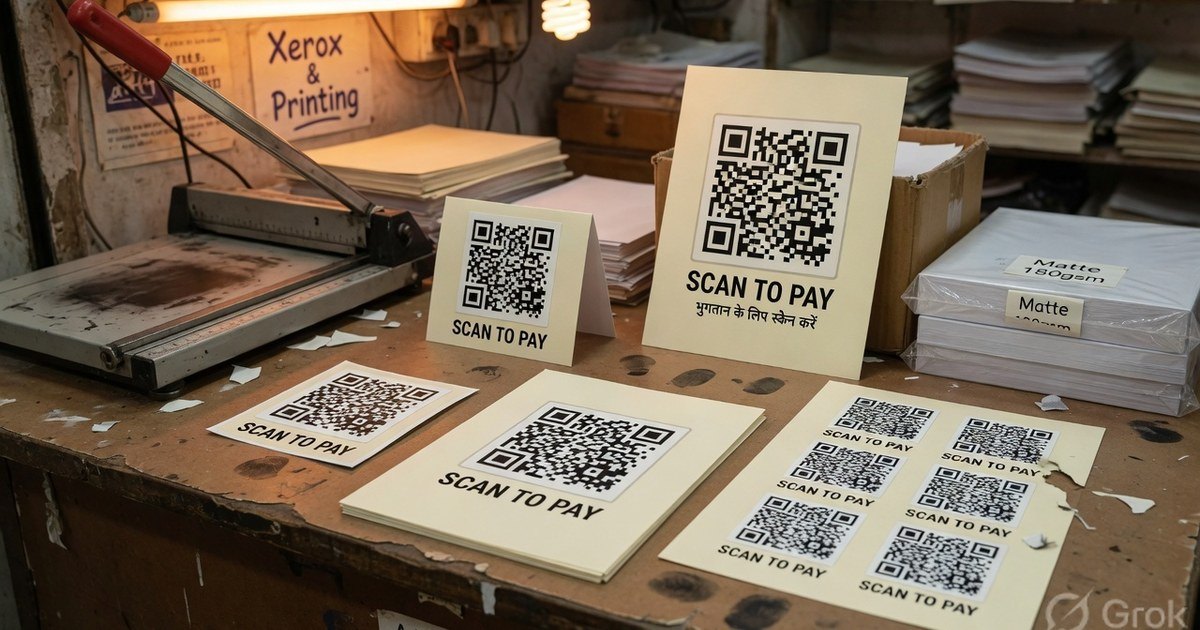
Tell the shop: 300 DPI, no stretching, matte not glossy, keep the QR’s white margin (quiet zone ≥ 0.25 in).
Step 4 — Test, then display
- Scan with two apps.
- Confirm payee name and VPA — or decode with the QR decoder.
- Test under the real counter lights.
- Tape or frame the standee so a stranger cannot swap the sticker. Tamper checklist.
Frequently asked questions
Q1. Do I need a merchant account to print a standee?
No. A personal VPA works for a compatible print. A PhonePe or GPay Business account adds dashboard and official kits; it is not required for the QR to scan. QR without a business account.
Q2. What size should the QR square be?
At least 2.5 cm on a table tent; about 8 cm if people scan from a queue. Paper size can be larger than the QR; do not stretch the code to fill the card.
Q3. Glossy or matte?
Matte. Glossy film reflects tube lights and phone torches. That is the most common “it scanned on the computer but not in the shop” failure.
Kunal Siyag
Founder, Pro UPI QR
Founder of Pro UPI QR. Builds the generators and calculators, writes the merchant guides, and cites NPCI, RBI, and bank sources instead of inventing a research team.
Related Articles
UPI QR PNG vs PDF vs SVG: Best File Format for Printing
Choose the right download format for cyber café prints, professional press, and WhatsApp sharing without blurry or unscannable QRs.
UPI QR Code Printing Size & Dimensions Guide
Minimum QR print sizes, standee dimensions, and scan-distance rules so customers can pay from 3–6 feet at your shop counter.
How to Print Durable, Waterproof QR Stickers for Your Shop
Vinyl, sunboard, and matte lamination for outdoor UPI QR stickers — DPI, quiet zone, contrast, and why glossy film fails in sunlight.
Related tools
Four siblings in this topic — the full inventory lives on the hub.
UPI standee generator
Full-page payment posters for acrylic T-stands.
Printable template gallery
A4, A5, 5×7, table tents, counter cards, and sticker sheets.
A4 QR sticker sheets
Print 4, 6, or 12 counter stickers per sheet.
Shop sale poster builder
Discount banners with your UPI QR baked in.