
Paytm Business QR & Soundbox: Setup and Monthly Charges Explained
Paytm Business QR setup plus Soundbox rental ranges. Confirm current fees in the app — published rents change by city and scheme.
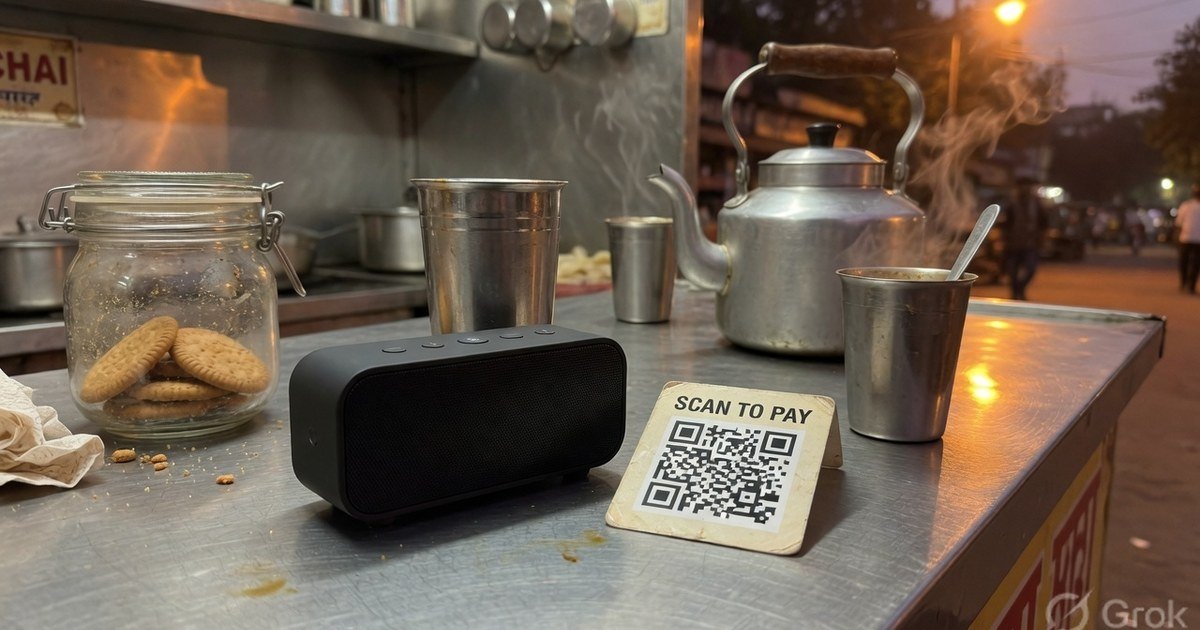
Paytm pioneered mobile QR code payments in India. For retail stores, their signature blue QR codes and the audio ‘Soundbox’ are standard counter fixtures.
If you are considering a Paytm QR or Soundbox, separate the free QR from the paid speaker. Confirm today’s rent inside Paytm for Business — published numbers go stale.
Last reviewed 27 August 2026.
Setting Up a Paytm Business QR Code
To accept payments via Paytm, you must register on the Paytm for Business app. The setup is free, requiring only your business details, PAN card, and a linked bank account. Once activated, you receive a dynamic QR code that accepts payments from Paytm Wallet, UPI, and RuPay Credit Cards.
Paytm Soundbox: How it Works and Monthly Charges
The Paytm Soundbox is a SIM-enabled speaker that announces payment confirmations in real-time (e.g., “Paytm par sau rupaye prapt hue”).
While the basic QR code is free, the Soundbox is a paid add-on. Treat the figures below as historical published ranges, not a live quote — open Paytm for Business and read the offer for your pincode.
- One-time activation (historical range): about ₹199–₹299.
- Monthly rental (historical range): about ₹99–₹125 depending on model (basic, card-machine combo, or pocket size).
- MDR on non-UPI: bank-to-bank UPI is 0% MDR. Paytm Wallet, corporate cards, and RuPay credit card on UPI above ₹2,000 may carry fees. Confirm on the settlement report, not on a sales flyer.
Is it Worth It?
For high-traffic shops (like grocery stores or tea stalls) where checking the phone for every ₹10 payment is impossible, the monthly Soundbox fee is a worthwhile investment to prevent fraud. However, for low-volume freelancers or starting creators, a free printable custom QR card from Pro UPI QR is a much more cost-effective choice.
Kunal Siyag
Founder, Pro UPI QR
Founder of Pro UPI QR. Builds the generators and calculators, writes the merchant guides, and cites NPCI, RBI, and bank sources instead of inventing a research team.
Related Articles
How UPI Soundboxes Work: Technology, Safety, and Build Costs
How merchant UPI soundboxes announce payments, why they cannot read OTPs, and when a free phone alert is enough versus paid hardware.
P2M Meaning in Banking and UPI Payments
P2M is person-to-merchant UPI. P2P is person-to-person. Learn the difference, refund TAT, MDR, and when a shop should use a merchant VPA instead of a personal UPI ID.
PhonePe QR Sticker: Print Free or Order
Print a PhonePe-compatible UPI sticker at home for free, or order the official PhonePe Business sticker. Sizes, vinyl vs paper, and when each option makes sense.
Related tools
Four siblings in this topic — the full inventory lives on the hub.
PhonePe vs Paytm vs GPay
Interoperability, soundboxes, dashboards, and what actually differs.
PhonePe-compatible QR
Print a PhonePe-styled standee for any VPA.
Google Pay-compatible QR
GPay-friendly poster customers can scan from any UPI app.
Paytm-compatible QR
Paytm-styled counter QR for shops and local businesses.