
QR Code From Bank Account Number
You cannot encode IFSC and account number into a UPI QR. Find your VPA from SBI, HDFC, or ICICI, then generate a free QR that credits the linked bank account.
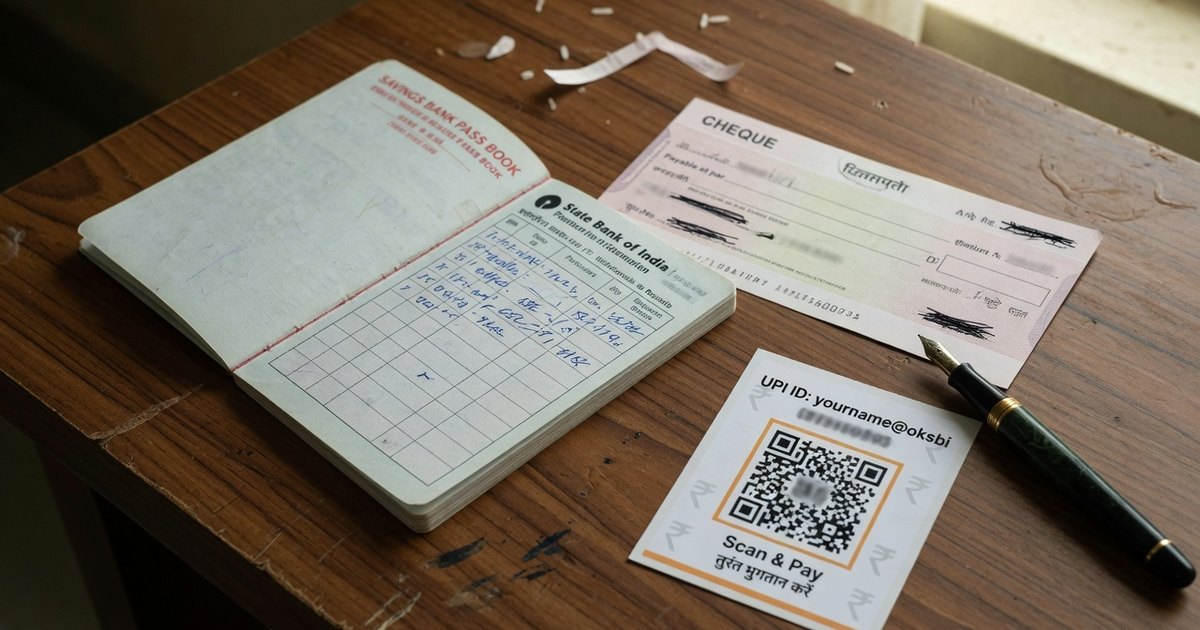
Generate QR code for bank account number is the search when someone wants to skip UPI IDs and print IFSC + account as a barcode. A UPI QR cannot do that. NPCI maps the account to a VPA. The matrix carries pa=name@bank, not the 16-digit number.
If a generator asks only for account number and IFSC and promises a PhonePe-scannable code, it is either creating a non-UPI payload or inventing a VPA it does not control. Do not put that on a counter.
Last reviewed 13 September 2026.
What to do instead (five minutes)
- Open the bank or UPI app linked to that account (YONO SBI, HDFC, iMobile, PhonePe, GPay).
- Copy the UPI ID / VPA —
name@sbi,mobile@okhdfcbank,name@okicici,mobile@ybl, and so on. - Confirm the payee name the app shows. That string is what customers will see.
- Paste both into the UPI QR generator or the bank preset (SBI, HDFC, ICICI).
- Test-scan. Money credits the linked account through UPI, not by typing IFSC.
Longer walkthrough: UPI QR for a bank account.
Account number vs VPA vs IMPS QR
| Input | What you get | Who can pay |
|---|---|---|
| VPA in a UPI QR | Instant UPI credit | PhonePe, GPay, Paytm, BHIM, bank apps |
| Account + IFSC typed by the payer | IMPS / NEFT / RTGS | Netbanking or “to bank account” in an app — slow, typo-prone |
| Random “account-number QR” | Often a text QR, not upi://pay |
Usually nothing useful at a till |
UPI exists so you never print the account number on a standee.
Where each bank hides the VPA
| Bank / app | Typical handle | Menu hint |
|---|---|---|
| SBI / YONO | @sbi |
Profile → UPI IDs |
| HDFC | @hdfcbank / @okhdfcbank |
BHIM UPI → VPA |
| ICICI iMobile | @icici / @okicici |
BHIM UPI → manage VPAs |
| PhonePe | @ybl @axl @ibl |
Profile → UPI IDs |
| Google Pay | @oksbi @okaxis @okhdfcbank |
Bank account → manage UPI IDs |
If UPI is not enabled on the account, enable it in the bank app first. A QR cannot invent a VPA for an account that has never been linked.
Frequently asked questions
Q1. Can I generate a UPI QR from account number and IFSC only?
No. You need the VPA that already maps to that account. Find it in the bank or UPI app, then generate.
Q2. Will the QR credit my SBI / HDFC savings account?
Yes, if the VPA is linked to that account. The QR does not contain the account digits; the PSP routes via NPCI.
Q3. Is this safer than printing the account number?
Yes. A VPA is meant to be public. An account number plus IFSC is enough for IMPS. Still inspect the standee for overlay stickers.
Q4. I do not have a debit card. Can I still make a QR?
UPI needs a linked bank account and a registered mobile, not necessarily a debit card on the counter. Complete UPI registration in the bank app, then print.
Create a bank-account UPI QR →
Related: SBI QR generator guide · Free bank QR vs custom standee · Universal QR for bank account
Kunal Siyag
Founder, Pro UPI QR
Founder of Pro UPI QR. Builds the generators and calculators, writes the merchant guides, and cites NPCI, RBI, and bank sources instead of inventing a research team.
Related Articles
SBI QR Code Generator for Bank Account
Create an SBI UPI QR for a savings or current account. Personal YONO QR vs SBI business merchant QR, VPA formats, and a free printable standee for every UPI app.
UPI QR Code Generator for Bank Account Payments
Learn how to use a universal QR code generator for your bank account. Connect SBI, HDFC, ICICI or personal VPA and receive PhonePe, GPay & Paytm payments directly.
Universal UPI QR Generator for Bank Account Guide
How to use a universal UPI QR code generator for any bank account. Create, customize & print multi-app payment QR codes for PhonePe, Google Pay, Paytm & BHIM.
Related tools
Four siblings in this topic — the full inventory lives on the hub.
PhonePe QR Generator
Create a PhonePe QR from an @ybl, @ibl, or @axl UPI ID.
Google Pay QR Generator
Build a GPay-friendly standee customers can scan from any UPI app.
Paytm QR Generator
Generate a Paytm-compatible payment QR for shops and local businesses.
BHIM UPI QR Generator
Print a free NPCI-format BHIM UPI standee from your VPA.