
How to Add UPI QR to Instagram & WhatsApp Status
Step-by-step guide to share your payment QR code on Instagram bio, WhatsApp Status, and social media for instant money collection.
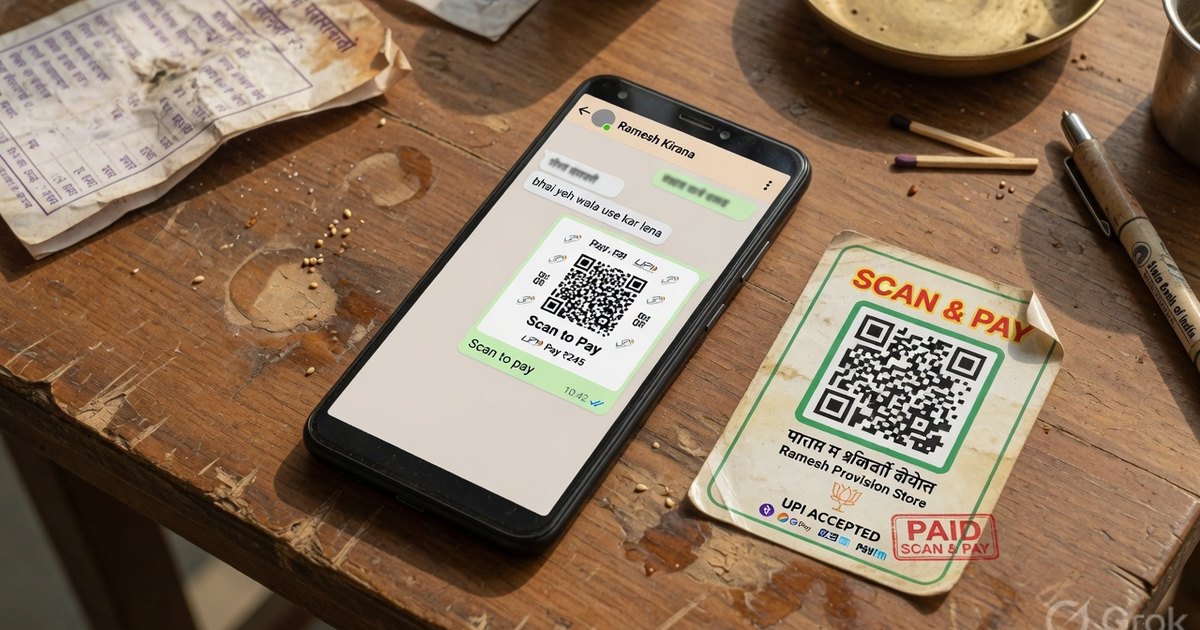
Home businesses and Instagram sellers lose sales when customers must DM for payment details. Posting your UPI QR image on WhatsApp Status, Instagram Stories, or a pinned catalog message cuts friction to one scan.
WhatsApp Business (Best Channel in India)
Method 1: Status Image
- Generate clean QR card on Pro UPI QR.
- Open WhatsApp Business → Status → upload PNG.
- Caption: “Scan to pay | [Shop Name] | Mention order ID in note.”
Method 2: Catalog / Quick Reply
- Save QR PNG to phone.
- Create Quick Reply shortcut
/paywith image attached. - Send instantly when customer confirms order.
Method 3: Payment Link Text
Copy upi://pay?... link from generator and send as tappable link — detailed in WhatsApp payment link guide.
- Stories: Post QR with “Scan to order” sticker; pin best story to Highlights named “Pay”.
- Bio link: Instagram allows one link — use your website or Linktree with UPI QR image page. Direct
upi://links may not be clickable in bio — image scan is more reliable. - DM sales: Send QR PNG after order confirmation (same as WhatsApp).
Facebook Marketplace & YouTube Community
- Upload QR as comment image on marketplace listings.
- Pin payment QR in Facebook group announcements for local sellers.
- YouTube Community tab image post for creators selling merch/courses.
Design Tips for Social
| Tip | Reason |
|---|---|
| Use branded template, not raw QR | Builds trust on social |
| Include shop name + UPI ID text below QR | Backup if image compresses |
| Avoid heavy Instagram filters | Filters break QR modules |
| Re-post monthly | Status expires; keeps visibility |
Use custom GPay & PhonePe templates for consistent branding.
Security on Social
- Public QR only receives money — safe to post for collections.
- Never post screenshots asking customers to scan to get refunds.
- Watch for scammers impersonating your shop — use consistent payee name.
Download social-ready UPI QR card →
Related: Freelancer invoice QR · Restaurant / cloud kitchen QR
Kunal Siyag
Founder, Pro UPI QR
Founder of Pro UPI QR. Builds the generators and calculators, writes the merchant guides, and cites NPCI, RBI, and bank sources instead of inventing a research team.
Related Articles
How to Create a UPI Payment Link to Send Over WhatsApp
A quick tutorial on generating and sharing standard UPI payment links and QR codes to request payments from customers or friends on WhatsApp.
How to Write a Payment Reminder Message (+ Templates)
Copy-paste payment reminder templates for WhatsApp, SMS, and email — a polite day-1-to-day-30 escalation ladder that gets overdue invoices settled faster.
SBI QR Code Generator for Bank Account
Create an SBI UPI QR for a savings or current account. Personal YONO QR vs SBI business merchant QR, VPA formats, and a free printable standee for every UPI app.
Related tools
Four siblings in this topic — the full inventory lives on the hub.
PhonePe vs Paytm vs GPay
Interoperability, soundboxes, dashboards, and what actually differs.
PhonePe-compatible QR
Print a PhonePe-styled standee for any VPA.
Google Pay-compatible QR
GPay-friendly poster customers can scan from any UPI app.
Paytm-compatible QR
Paytm-styled counter QR for shops and local businesses.