
UPI QR Code for Freelancers & Invoice Payments
Consultants, designers, and freelancers can add UPI QR to invoices, proposals, and WhatsApp bills — no 2% gateway cut on bank UPI.
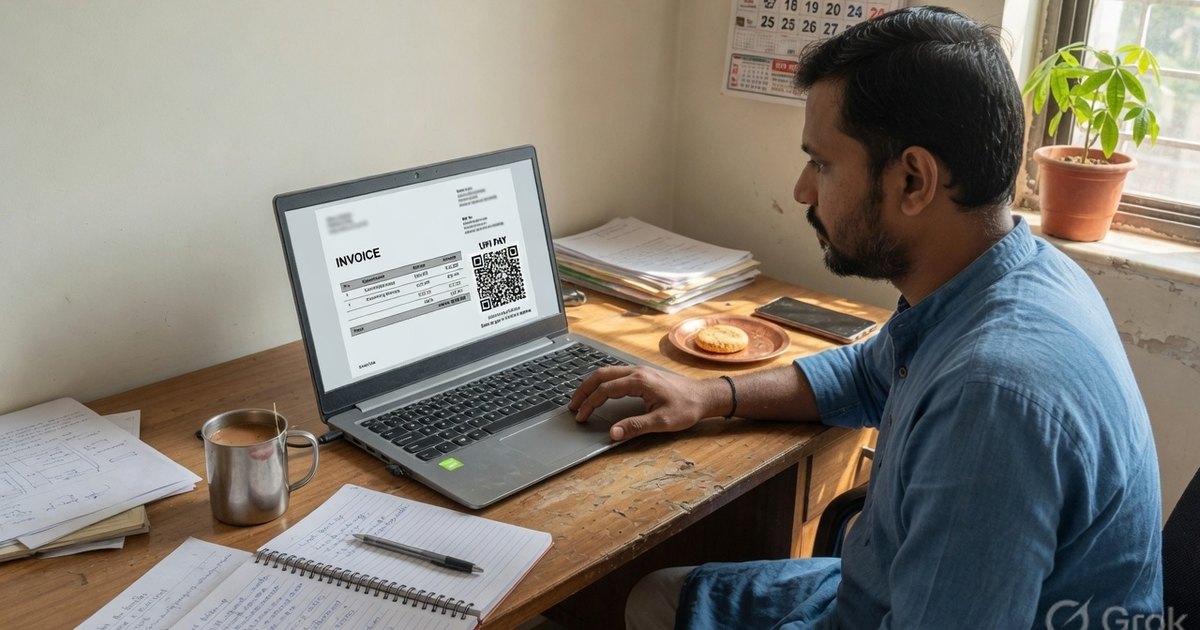
Freelancers in India often lose 2–3% of their hard-earned fees to payment gateway commissions on every single client invoice. For a freelancer earning ₹1,00,000 a month, that amounts to ₹2,500 to ₹3,000 lost each month—or over ₹30,000 annually—just to payment processors.
If your Indian clients pay you via direct UPI bank transfer, you keep almost all of it: invoices of ₹2,000 or less stay at 0% MDR, and larger P2M tickets take 0.4% from 15 October 2026 — still far below a 2% gateway.
Integrating a custom UPI QR code into your invoice documents, proposals, or WhatsApp billing cards replaces the cumbersome “please NEFT/IMPS to my account details” with a single scan-and-pay action. In this guide, we will explore the advantages of UPI invoicing for freelancers, explain how to embed these QR codes into your invoice templates, and compare UPI to traditional payment channels.
Why Freelancers Should Use UPI QR Codes
- Low transaction fees: P2P and invoices of ₹2,000 or less stay at 0% MDR. Larger P2M invoices may take 0.4% from 15 October 2026 (cap ₹300) — still far below a 2% gateway. Check: UPI MDR calculator.
- Instant Cash Flow Settle: Payment gateway settlements typically take 2-3 business days. UPI transfers settle directly in your primary bank account in real-time.
- Reconciliation Efficiency: By attaching a unique transaction note or invoice reference to the QR code, matching incoming payments to specific clients in your bank statement becomes effortless.
- Professional Appearance: Rather than displaying raw bank details, presenting a branded Payment Card shows clients that your billing operations are modern and frictionless.
Comparison: UPI QR vs. Payment Gateways vs. NEFT/IMPS
Understanding the trade-offs between various invoice payment options is critical for optimized financial operations.
| Feature | UPI QR Code | Payment Gateways (Razorpay/Stripe) | Traditional NEFT/IMPS |
|---|---|---|---|
| Transaction Fees | 0% (Free) | 2.0% - 3.0% + GST | 0% |
| Settlement Time | Instant (Real-time) | T+2 to T+3 Business Days | Varies (IMPS is instant, NEFT takes hours) |
| Setup Friction | None (instant generation) | High (requires business KYC, KYC approvals) | Low (requires account registration by client) |
| Client Payment Flow | Scan & Pay in 5 seconds | Fill card fields, OTP auth | Add beneficiary, wait for activation, transfer |
| International Clients | No (Indian bank accounts only) | Yes (supports credit cards globally) | Yes (via Wire/SWIFT transfer) |
How to Embed a UPI QR Code Into a PDF Invoice
Whether you design invoices using Canva, Microsoft Word, Google Docs, or custom billing templates, embedding a QR code is simple.
Step 1: Generate the Invoice QR Code
- Open the Pro UPI QR Generator.
- Enter your bank-linked Payee Name and UPI ID (VPA).
- If this is a single-client invoice with a fixed total, enter the exact amount (e.g.
15000) and the Invoice Number in the Note field (e.g.,INV-2026-104). - Click Generate and choose the Minimalist Card layout or a simple QR format.
- Click Download PNG.
Step 2: Insert into Your Invoice File
- In Google Docs / Word: Go to Insert → Image → Upload from computer, select the downloaded PNG, and place it at the bottom-right corner next to your payment summary block.
- In Canva: Upload the QR PNG to your Canva library. Drag and drop it onto your invoice template.
- In Quickbooks / Freshbooks: Upload the QR code image as a company attachment or payment logo.
Step 3: Add a Text Backup
Always print your raw UPI ID text directly below the QR code image (e.g., “Or pay directly to: yourname@okaxis”). This acts as a backup for clients viewing the invoice PDF on their phones, where they cannot scan the screen they are looking at.
Frequently Asked Questions
Q1. Can I collect GST using a personal savings account UPI QR code?
If you are registered for GST (Goods and Services Tax) in India, you are legally required to file taxes on your freelance income. While a personal savings account VPA can technically receive payments, it is recommended to link a dedicated Current Bank Account with your trade name to separate personal transactions from business revenue and easily file GST returns.
Q2. How can my client pay if they are viewing the invoice on their mobile phone?
Since they cannot scan a QR code displayed on their own phone screen, you should provide a clickable payment link. You can generate a copy-paste link using our WhatsApp Payment Link Guide or display a raw hyperlink using the standard format: upi://pay?pa=yourname@bank&pn=YourName&am=5000. When tapped on a mobile device, this link will trigger their default payment app.
Q3. Does UPI support international client payments?
No. Standard UPI only operates between domestic Indian bank accounts. If you work with clients in the US, UK, Europe, or other foreign regions, you will need to use credit card processors (like Stripe or PayPal) or international wire transfers (like Wise or SWIFT). Use UPI QR codes specifically for your domestic Indian clients.
Design Your Invoices Faster
Make billing a breeze. Head over to our dedicated Invoice PDF Generator to design GST-ready invoices with an embedded UPI QR code that clients can settle in seconds.
Keep the Money Moving
Invoicing is only one step of the freelance money loop. Complete it with these free tools and guides:
- Quotations that win work — send estimates with validity dates and an advance-payment QR using the quotation generator, or learn which document to send when
- Polite payment chasing — when an invoice ages past due, use these payment reminder message templates or generate one instantly with the payment reminder tool
- Proof of settlement — acknowledge every payment with a PAID-stamped receipt PDF so clients have zero room for “I already paid” confusion
- Mark old bills settled — stamp PAID with date and signature on any bill photo via the paid stamp generator
All of them run entirely in your browser — no signup, nothing uploaded.
Kunal Siyag
Founder, Pro UPI QR
Founder of Pro UPI QR. Builds the generators and calculators, writes the merchant guides, and cites NPCI, RBI, and bank sources instead of inventing a research team.
Related Articles
UPI Payment Receipt Generator for Shops
Issue a real payment receipt after a UPI credit — with UTR, amount, and date. Not a fake PhonePe or GPay screenshot. Free browser PDF for shops and freelancers.
How to Add a PAID Stamp to Any Invoice or Bill Photo
Add a dated PAID stamp with signature to any invoice photo or PDF in your browser. Why proof of payment matters and how small businesses keep clean records.
How to Write a Payment Reminder Message (+ Templates)
Copy-paste payment reminder templates for WhatsApp, SMS, and email — a polite day-1-to-day-30 escalation ladder that gets overdue invoices settled faster.
Related tools
Four siblings in this topic — the full inventory lives on the hub.
Quotation / estimate generator
Price quotes with validity dates, terms, and optional advance QR.
Proforma invoice generator
Advance-payment documents with buyer PO reference.
Invoice PDF generator
GST, VAT and export invoices for 50 countries, with an embedded UPI QR or payment link.
Invoice payment tracker
See who owes you, send WhatsApp reminders, and mark UPI payments received.