
How to Generate and Download a BHIM UPI QR Code
Get a BHIM UPI QR from the official app or print a compatible standee from your @upi VPA. Interoperable with PhonePe, GPay, and Paytm.
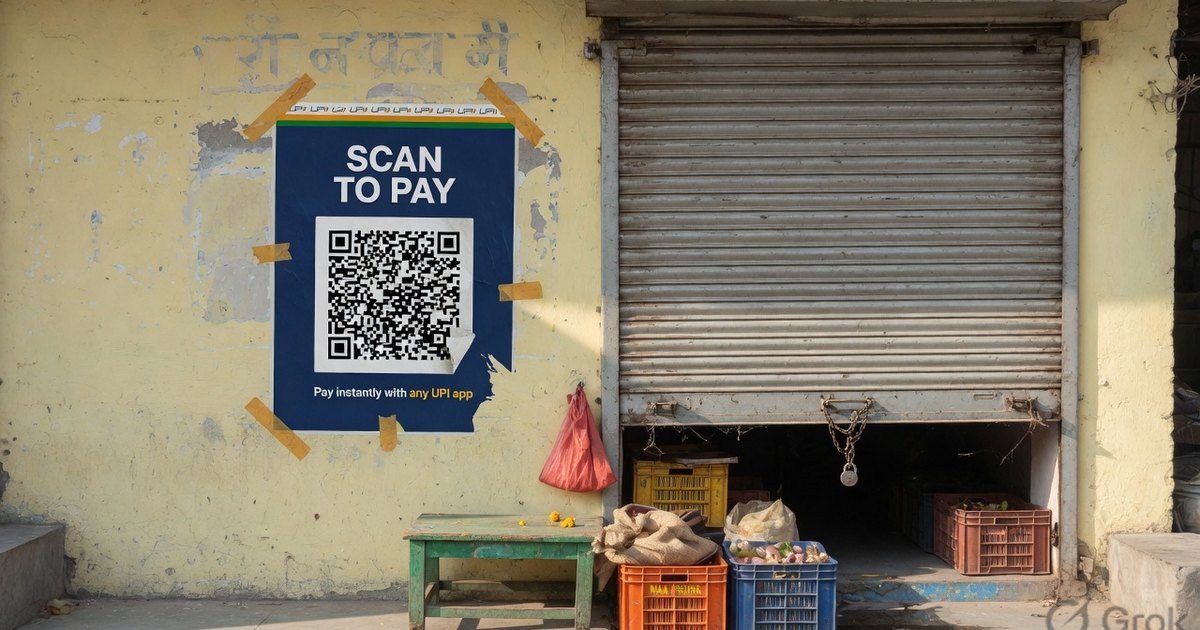
BHIM is NPCI’s own UPI app. Its QR is a standard upi://pay code, usually on an @upi handle. Download it from the BHIM app, or print a compatible poster from the same VPA. Customers can pay from BHIM, PhonePe, GPay, or any member app.
Last reviewed 27 August 2026.
Official BHIM QR vs a compatible print
| BHIM app QR | Compatible print here | |
|---|---|---|
| Source | Profile QR inside BHIM | BHIM QR generator using your VPA |
| Who can pay | Any UPI app | Any UPI app |
| Look | BHIM download | Your template, size, and reprint |
Create a BHIM-compatible standee →
Download from the BHIM app
- Install official BHIM from Play Store or App Store. Register the bank-linked mobile number and set the app passcode.
- Link the bank account the app discovers on that SIM.
- Open profile / QR. The default code is tied to your primary VPA (often
…@upi). - Use Download or Share — not a screenshot — if you will print it.
- Test-scan from a second app (PhonePe or GPay) before you laminate.
Print it so it scans
Matte 300 GSM, 300 DPI, quiet zone, two-app test. Full spec: standee guide. Bank-to-bank UPI is 0% MDR; RuPay credit card on UPI above ₹2,000 may carry interchange.
Frequently asked questions
Q1. Is a BHIM QR safer than PhonePe or GPay?
All member apps follow the same NPCI rules. BHIM is simpler; it is not a different payment rail. Safety is PIN hygiene and not scanning a swapped sticker.
Q2. Can I print a BHIM-looking poster without the BHIM app?
Yes, if you already have a VPA. Paste it into the BHIM QR generator. That file is compatible, not an NPCI-issued merchant kit.
Q3. My BHIM QR failed with NPCI returned error.
Open the transaction, copy the reason code and UTR, and use the error resolver. Do not retry a pending debit.
Kunal Siyag
Founder, Pro UPI QR
Founder of Pro UPI QR. Builds the generators and calculators, writes the merchant guides, and cites NPCI, RBI, and bank sources instead of inventing a research team.
Related Articles
NPCI UPI QR Code Generator Explained
NPCI has no public shop QR generator. Create an NPCI-compliant upi://pay QR for PhonePe, GPay, Paytm, and BHIM — and how Bharat QR differs.
UPI QR Code Generator for Bank Account Payments
Learn how to use a universal QR code generator for your bank account. Connect SBI, HDFC, ICICI or personal VPA and receive PhonePe, GPay & Paytm payments directly.
Universal UPI QR Generator for Bank Account Guide
How to use a universal UPI QR code generator for any bank account. Create, customize & print multi-app payment QR codes for PhonePe, Google Pay, Paytm & BHIM.
Related tools
Four siblings in this topic — the full inventory lives on the hub.
PhonePe QR Generator
Create a PhonePe-compatible UPI QR with optional amount and note.
Google Pay QR Generator
Build a GPay-friendly standee customers can scan from any UPI app.
Paytm QR Generator
Generate a Paytm-compatible payment QR for shops and local businesses.
BHIM UPI QR Generator
Generate standard BHIM UPI QR codes for instant direct bank payments.