
UPI Payment Receipt Generator for Shops
Issue a real payment receipt after a UPI credit — with UTR, amount, and date. Not a fake PhonePe or GPay screenshot. Free browser PDF for shops and freelancers.
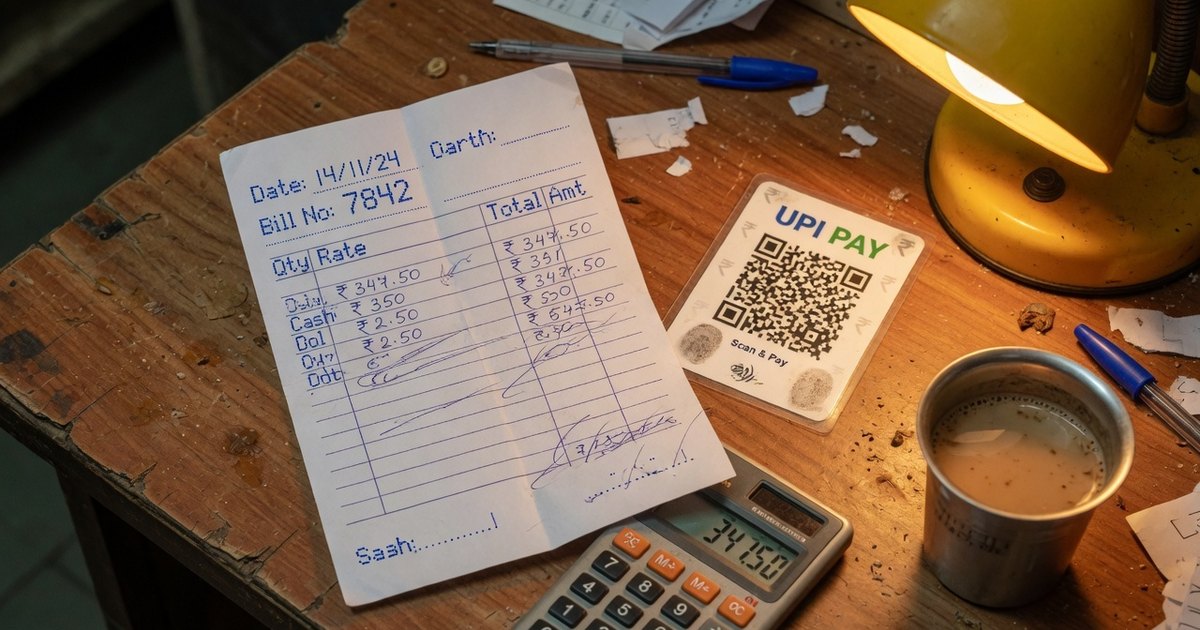
UPI payment receipt generator searches usually mean one of two jobs. Shops and freelancers need a PDF that proves money arrived. A smaller set of queries want a fake PhonePe, GPay, or Paytm success screen. This page only does the first job.
A receipt is a merchant document: payer, amount, date, mode, and UTR. It is not an app screenshot, and it does not move money.
Last reviewed 13 September 2026.
Issue a receipt after the credit lands
- Confirm the amount in the bank SMS or passbook — not only the green tile in PhonePe or GPay.
- Copy the 12-digit UTR.
- Open the payment receipt generator.
- Enter payer name, amount, date, payment mode (UPI), and UTR. Add a UPI QR if you want the next invoice paid by scan.
- Download the PDF. Stamp PAID if you already sent an invoice — paid stamp tool.
Everything runs in the browser. No GST return is filed for you.
PhonePe / GPay / Paytm receipts vs a merchant receipt
| In-app history | Merchant receipt PDF | |
|---|---|---|
| Who issues it | The payer’s UPI app | You, after the credit |
| What it proves | That their app showed success | That you acknowledged the UTR |
| Fake-able? | Screenshot-spoof apps exist | Still forgeable — pair with bank SMS |
| Use | Payer’s records | Your books, HRA, client handover |
We do not generate PhonePe, Google Pay, or Paytm success screens. Those are app UI. Asking for a “PhonePe receipt generator” that looks like the official tile is how screenshot fraud starts. If you need proof as the payer, open the transaction in the app and export or screenshot your history — do not download a template that pretends to be PhonePe.
For rent, use the rent receipt generator (HRA fields, amount in words, revenue-stamp box). For GST invoices that ask for money, use the invoice generator and send a receipt only after settlement. See quotation vs invoice vs receipt.
What to print on a UPI receipt
- Receipt number and date
- Your name / shop name and the payer’s name
- Amount in figures and words
- Mode: UPI, plus the VPA that received it
- UTR
- Optional next-payment QR from the UPI QR generator
Frequently asked questions
Q1. Can I generate a PhonePe or GPay payment receipt?
You can generate a merchant receipt that records a PhonePe or GPay UPI credit, including the UTR. You cannot get an official PhonePe/GPay PDF from this site, and we will not draw a fake success screen.
Q2. Is a receipt the same as a UTR?
No. The UTR is the bank’s reference. The receipt is your acknowledgement that you received that UTR. Keep both.
Q3. Do I need GST on a UPI receipt?
A receipt does not replace a tax invoice. If you are GST-registered, issue the invoice first, then the receipt. Composition dealers may need a bill of supply instead.
Q4. Can I download a UPI payment receipt for rent?
Yes — use the rent receipt generator so HRA fields and the stamp box are present. A generic shop receipt is the wrong format for payroll.
Related: Stamp PAID on a bill photo · Rent receipt HRA format · Freelancer invoice QR
Kunal Siyag
Founder, Pro UPI QR
Founder of Pro UPI QR. Builds the generators and calculators, writes the merchant guides, and cites NPCI, RBI, and bank sources instead of inventing a research team.
Related Articles
How to Add a PAID Stamp to Any Invoice or Bill Photo
Add a dated PAID stamp with signature to any invoice photo or PDF in your browser. Why proof of payment matters and how small businesses keep clean records.
How to Write a Payment Reminder Message (+ Templates)
Copy-paste payment reminder templates for WhatsApp, SMS, and email — a polite day-1-to-day-30 escalation ladder that gets overdue invoices settled faster.
Quotation vs Estimate vs Invoice vs Receipt — Which & When
The difference between quotation, estimate, invoice, and receipt explained with GST rules, numbering conventions, examples, and free generators for each.
Related tools
Four siblings in this topic — the full inventory lives on the hub.
Quotation / estimate generator
Price quotes with validity dates, terms, and optional advance QR.
Proforma invoice generator
Advance-payment documents with buyer PO reference.
Invoice PDF generator
GST, VAT and export invoices for 50 countries, with an embedded UPI QR or payment link.
Invoice payment tracker
See who owes you, send WhatsApp reminders, and mark UPI payments received.