
How to Get Free UPI Voice Alerts on Phone (Save ₹125/mo Rent)
Turn on free UPI voice announcements in PhonePe and GPay Business apps. Save ₹125/month on soundbox rent using your existing smartphone speaker.
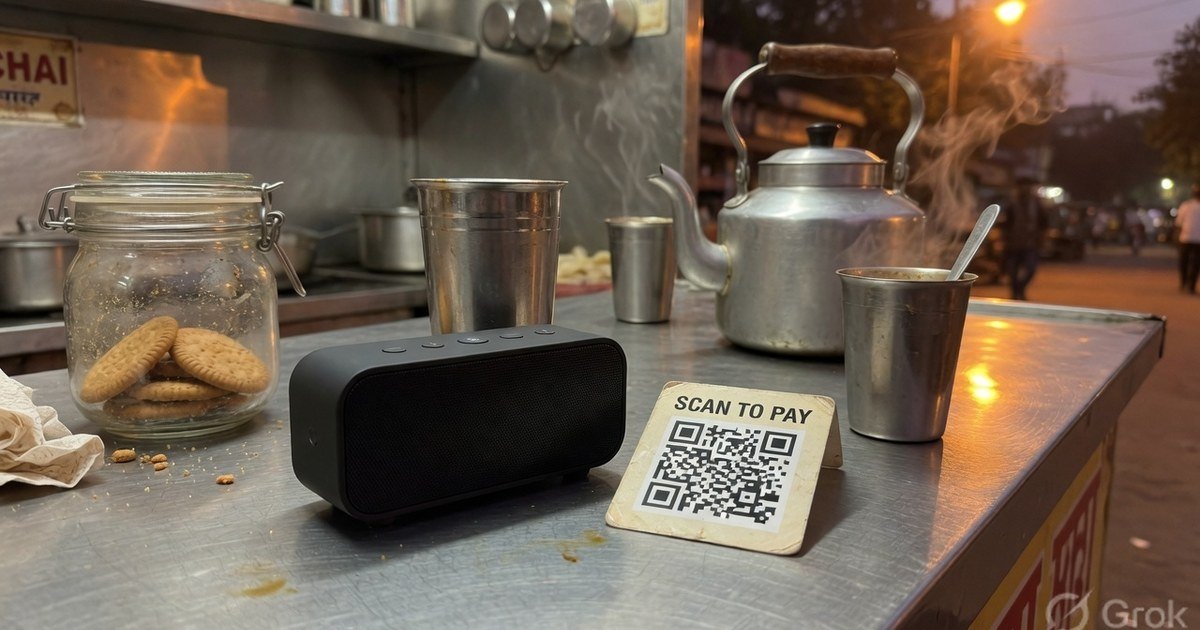
If you sit at the desk all day, you do not need to rent a soundbox to hear “₹50 received”. PhonePe Business and Google Pay for Business can speak the amount from the phone speaker. Keep volume up, keep the phone on charge, and treat silence like an unconfirmed payment.
Last reviewed 27 August 2026. Toggle names move; look for Voice alerts / Audio notifications in Settings.
PhonePe Business (free, in-app)
- Open PhonePe Business (the merchant app).
- Profile / menu → Settings.
- Enable Voice alerts or Audio notifications.
- Pick a language you actually understand over the fan noise.
- Play the test clip and leave the app allowed to run in the background (battery optimisation off for this app).
Payments to the PhonePe merchant VPA can then be announced while the phone is on the counter. Setup of the QR itself: PhonePe Business QR activation.
Google Pay for Business (free, in-app)
- Open Google Pay for Business.
- Settings → Notifications.
- Enable Voice notifications and choose a language.
- Confirm the test prompt.
GPay activation: Google Pay for Business setup.
When the phone is not enough
- You leave the counter (kitchen, store room).
- Two staff, one phone, noisy lunch rush.
- Customers flash spoofed success screens and you need a speaker that only talks after the provider sees the credit.
Then look at a provider soundbox — and read today’s rent in the app, not in an old blog. How the hardware works: UPI soundboxes, safety, and DIY costs.
A printed QR is still required either way. Generate a counter QR →
Frequently asked questions
Q1. Will PhonePe voice alerts announce GPay customer payments?
If the customer paid your PhonePe merchant VPA, PhonePe Business can announce it regardless of which app they used. If they paid a different VPA that only lives in another app, that other app (or bank SMS) is the notifier.
Q2. Does this cost MDR?
No. Voice is a notification. Bank-to-bank UPI remains 0% MDR. RuPay credit card on UPI above ₹2,000 may carry interchange.
Q3. Android killed the alerts overnight.
Exempt PhonePe Business / GPay Business from battery optimisation and keep the phone plugged in at the desk. That is the usual failure, not a “UPI outage”.
Kunal Siyag
Founder, Pro UPI QR
Founder of Pro UPI QR. Builds the generators and calculators, writes the merchant guides, and cites NPCI, RBI, and bank sources instead of inventing a research team.
Related Articles
How to Accept UPI Payments Without a POS Machine
Kirana stores and small shops can collect digital payments using only a UPI QR standee — no card swipe machine, rental fees, or MDR.
How to Create a UPI QR Code Without a Business Account
Yes, you can accept UPI payments with a personal UPI ID. Learn limits, risks, and when to upgrade to a merchant VPA for shops and freelancers.
SBI QR Code Generator for Bank Account
Create an SBI UPI QR for a savings or current account. Personal YONO QR vs SBI business merchant QR, VPA formats, and a free printable standee for every UPI app.
Related tools
Four siblings in this topic — the full inventory lives on the hub.
PhonePe vs Paytm vs GPay
Interoperability, soundboxes, dashboards, and what actually differs.
PhonePe-compatible QR
Print a PhonePe-styled standee for any VPA.
Google Pay-compatible QR
GPay-friendly poster customers can scan from any UPI app.
Paytm-compatible QR
Paytm-styled counter QR for shops and local businesses.