
 PhonePe QR
 Google Pay QR
 WhatsApp QR
 Amazon Pay QR
Acrylic QR Standee (A6 Size)
Kirana counters, billing desks, clinics, and cafes with a 1–1.5 m scan distance.
Under ₹300Check Price →
Enter your UPI ID and download a universal payment QR that works on PhonePe, Google Pay, Paytm, and BHIM. No signup. Optional amount. Print a counter standee when you need one.
Draft auto-saves in this browser so you can come back and keep editing.
QR Preview
Enter details & click Generate
Your instant scan-to-pay QR code will appear here.
Works on PhonePe, Google Pay, Paytm, BHIM, and other UPI apps that support standard upi://pay links. Need a peel-off counter sticker? Use the PhonePe / GPay sticker sheet. Need URL, WiFi, or vCard? Open the universal QR generator.
100% Privacy: Generated locally in your browser. We never collect, transmit, or store your payment details.
Dynamic QR: Need to update payment links later or track daily customer scans? Create Dynamic QR →
Made for Shops and kirana stores · Freelancers and consultants · Restaurants and cafes · Temple donation counters · Schools and tuition fees · Events and registrations.
Beyond standalone QR codes, use Pro UPI QR for invoices, hosted payment links, developer integrations, and bulk merchant assets.
Create GST-ready invoices with an embedded UPI QR and save as PDF for WhatsApp or email.
Acknowledge payments with a PAID-stamped receipt PDF that records mode, UTR, and a UPI QR.
HRA-ready monthly rent receipts with amount in words and a revenue stamp box.
Send estimates with validity dates, terms, and an optional advance-payment QR.
Polite overdue invoice reminders for WhatsApp and SMS in three tones.
Split by dish, not just equally. Per-person WhatsApp and UPI QR.
Count notes, add UPI and card, petty cash and bank deposit, download variance.
0.4% from 15 Oct 2026 on some P2M above ₹2,000. Not a tax. Small shops stay free.
Section 34 compliant credit notes for returns, discounts, and corrections.
Upload any bill photo and stamp PAID with date and signature, right inside your browser.
Browse every QR generator, billing tool, calculator, and guide in one hub.
Formal POs with buyer/supplier GSTINs, delivery terms, and line items.
Simple retail billing slips for kirana shops and walk-in counter sales.
Brand collaboration agreements with deliverables, ASCI rules, and advance UPI QR.
Service agreements with milestone deliverables, IP ownership, and revision limits.
Who owes you, what is overdue, one-tap WhatsApp reminders, and part payments. No signup.
Invoice aging buckets, 45-day due alerts, and Section 16 demand letters with interest.
Embed UPI QR widgets, payment links, and authenticated checkout sessions.
App, bank, and shop presets plus bulk, universal, and decoder tools.
Open hub →PhonePe, GPay, BHIM, soundboxes, and counter setup without a POS.
Open hub →Standee sizes, A4 sticker sheets, waterproof labels, and sale posters.
Open hub →NPCI codes, bank limits, refund TAT, decoder, and QR fraud checks.
Open hub →GST invoices, receipts, quotations, credit notes, rent receipts, paid stamps.
Open hub →GST, EMI, SIP, MSMED, TReDS, margin, gratuity, and cash-drawer maths.
Open hub →Build the QR in the browser without login, signup, or waiting for a dashboard.
Add payee name, UPI ID, fixed amount, and note so scanners land on the right payment intent.
Start with a QR today, then turn it into standees, donation posters, table cards, and fee collection materials.
Generate once, switch styles instantly, and download a printable payment image for your counter, table, donation desk, or client share flow. See paper sizes in the A4, A5, 5×7, and sticker gallery.
Print, frame, and place high-resolution payment standees at checkout. Designed to look clean and professional, creating instant trust with your customers.
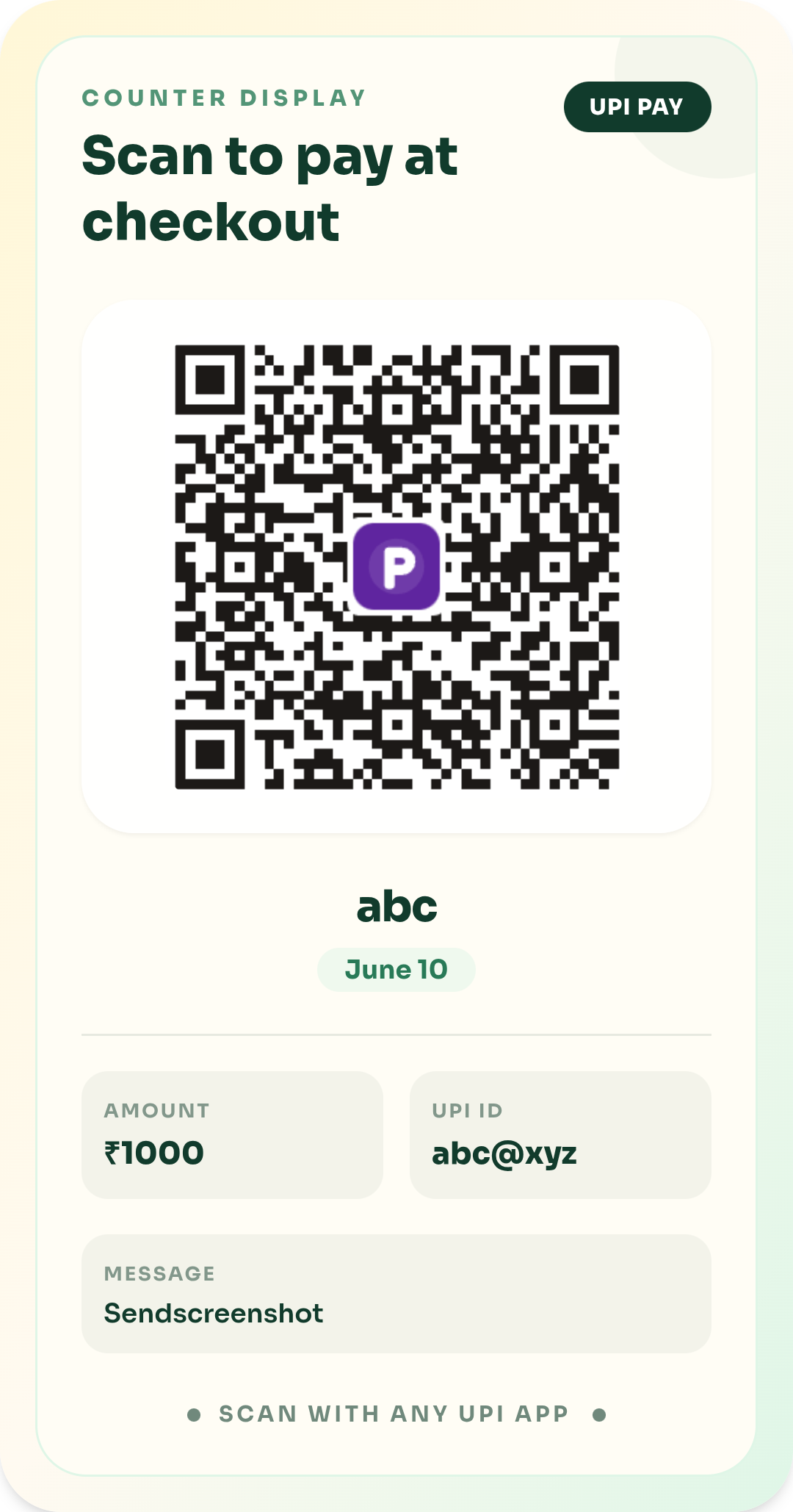
Counter-ready display for retail stores, grocery counters, and local shops.
Best for: retail cashier counters, grocery shops, and pharmacies.
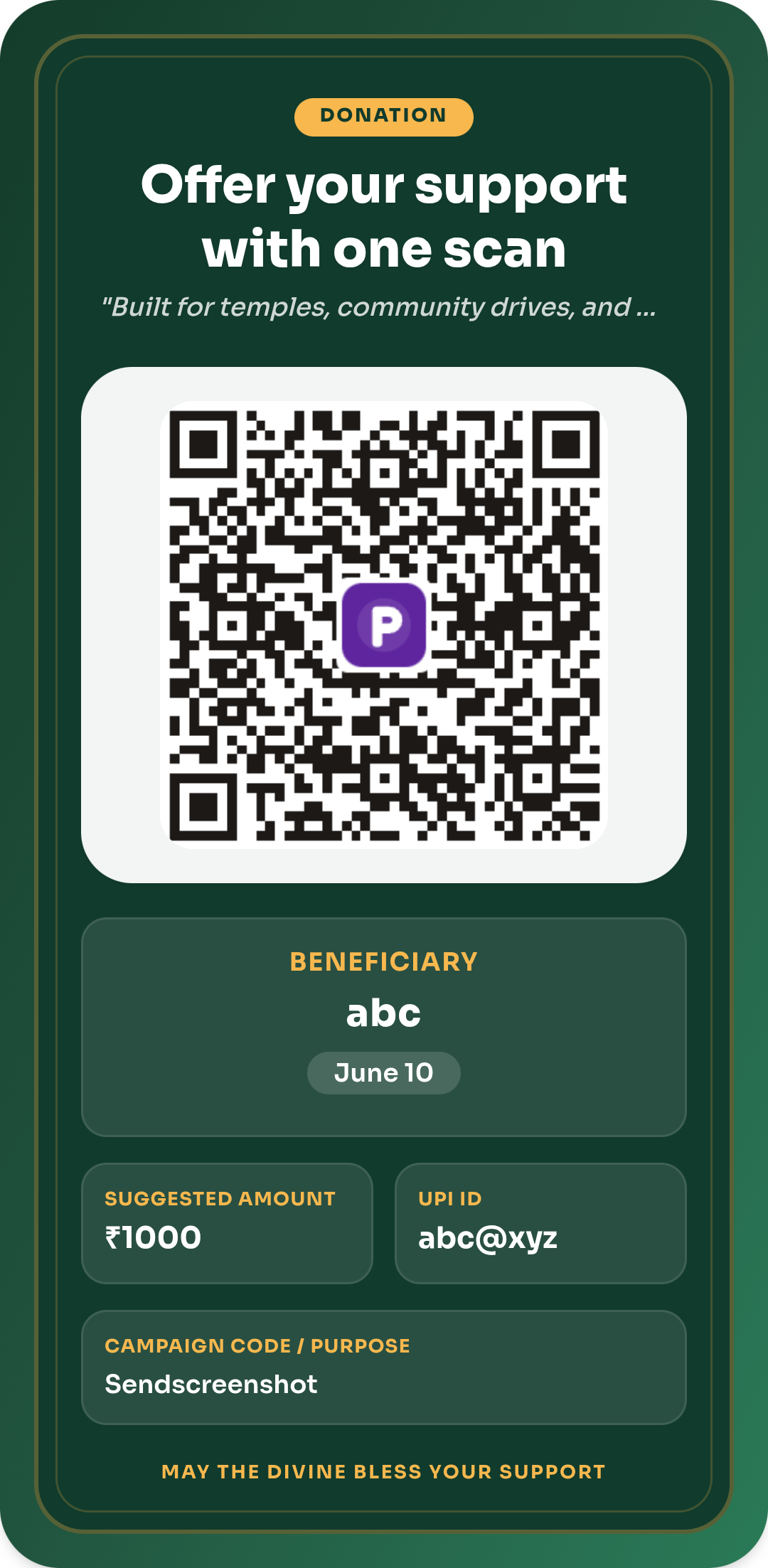
Devotional layout with larger type and donation-first messaging for trust and transparency.
Best for: community donation boxes, religious centers, and charity desks.
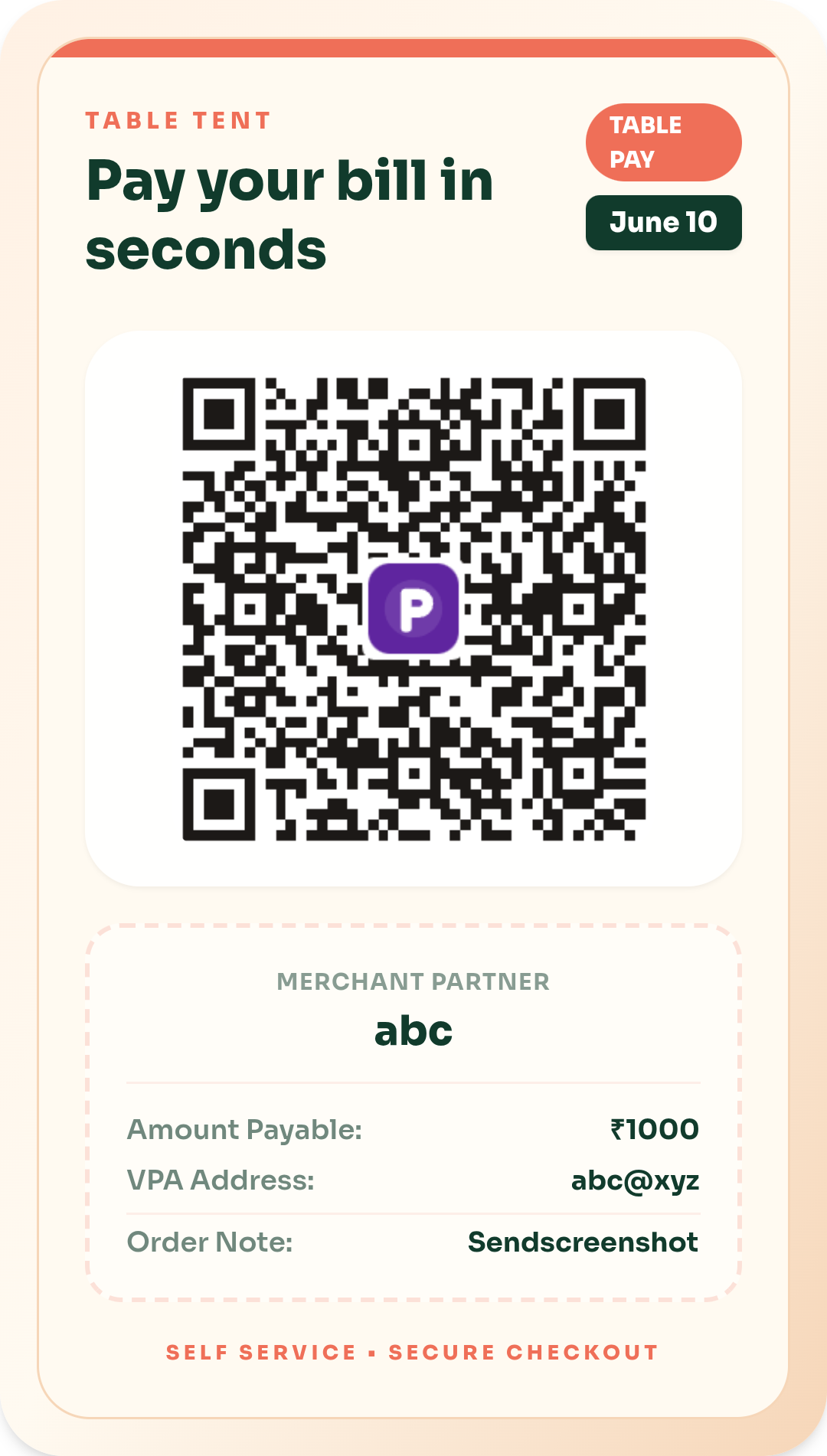
Compact table tent design displaying table numbers and direct dine-in scan-to-pay instructions.
Best for: dine-in tables, cafe counters, and food truck displays.
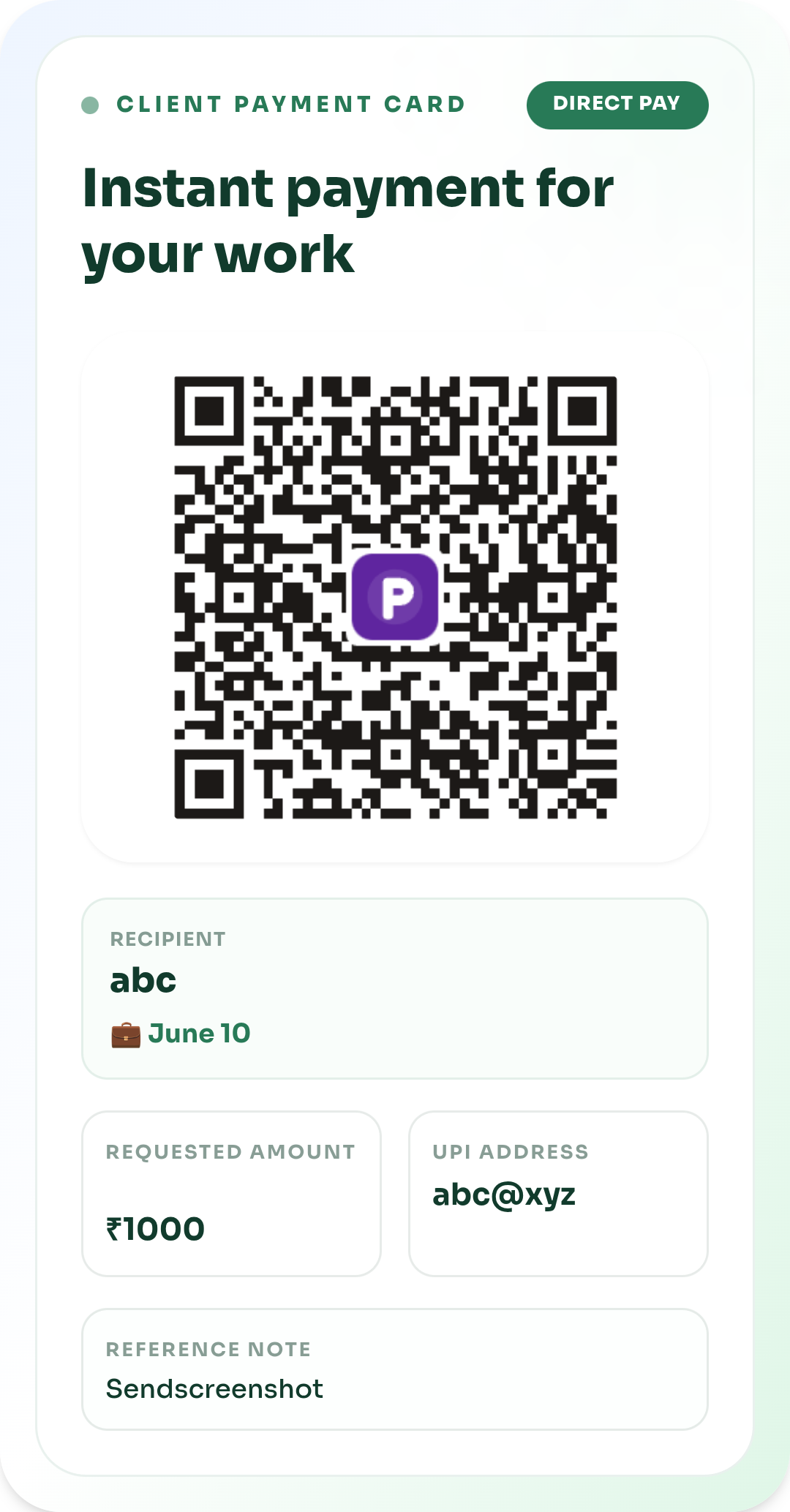
Modern card layout for client billing, repeat services, and instant invoice links.
Best for: invoices, digital resumes, portfolio sites, and WhatsApp sharing.

Vibrant ticket-stub design featuring event date, venue details, and scan-to-register flow.
Best for: ticketing booths, workshops, registrations, and seminar passes.

School notebook inspired theme designed for classroom displays, batches, and coaching fee collections.
Best for: schools, coaching batches, class notice boards, and tutors.

High-contrast driver-friendly dashboard card with large readable taxi/cab credentials.
Best for: cab dashboards, auto-rickshaw screens, and delivery riders.
Clean, professional executive card structure for direct fund transfers and formal business needs.
Best for: corporate invoices, business cards, and direct fund transfers.
Physical Display
Acrylic standees, table tents, waterproof stickers, and thermal printers sit next to a printed UPI QR. Each card links to a buying guide with sizes and a generator. Hardware is optional — generators stay free.
Amazon Associate links — Pro UPI QR may earn from qualifying purchases. Prices change on Amazon. These links do not affect QR generation or calculator math. See the editorial policy.
Kirana counters, billing desks, clinics, and cafes with a 1–1.5 m scan distance.

Boutiques, clinics, photo studios, and cafe pastry counters.

Delivery agents, cabs, kirana billing, and pop-up stalls that issue paper slips.
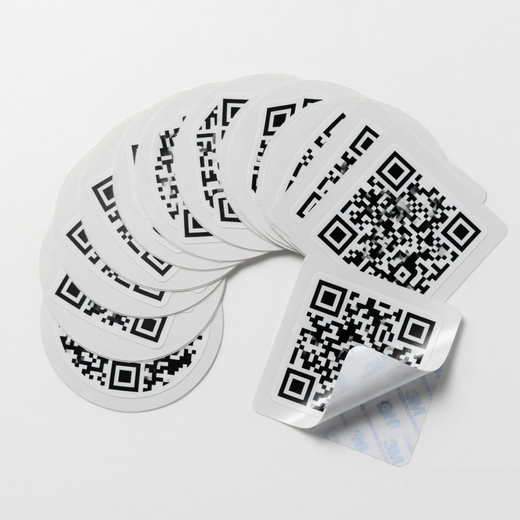
Glass counters, steel tiffins, parcel boxes, fridge doors, and two-wheeler tanks.
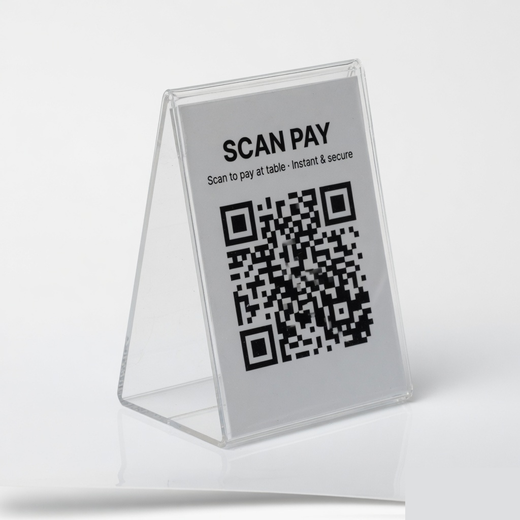
Cafes, restaurants, cloud-kitchen pickup shelves, and banquet tables.
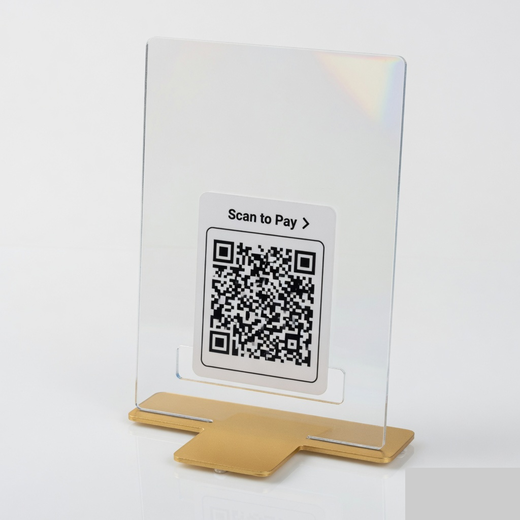
Donation desks, clinics, parking kiosks, and billing counters past 1.5 m.
Our generated QR codes strictly adhere to standard UPI guidelines. Customers can scan and make secure payments instantly using PhonePe, Google Pay, Paytm, BHIM, or any banking app.
Practical tutorials for shop owners, NGOs, and freelancers — from standee printing to Google Pay activation.
Banks tag small QR shops as P2PM. GSTIN is not required. Three months over ₹1 lakh moves you to 0.4% MDR. How to check PhonePe, GPay, and your bank before 15 Oct 2026.
Read guide →Headlines said UPI tax. From 15 Oct 2026 merchants pay 0.4% MDR on some P2M payments above ₹2,000. P2P and small QR shops stay free. Rates, GST, and a calculator.
Read guide →What an NPCI QR code is, how it differs from a BHIM QR and a bank-issued Bharat QR, and why NPCI has no official website that prints shop QR codes.
Read guide →Upload a UPI QR to extract the VPA, payee name, and amount in your browser. Decode PhonePe, GPay, Paytm, or BHIM codes without sending the image to a server.
Read guide →Step-by-step guide to activate PhonePe Business QR: complete KYC, order free shop standee stickers, and accept payments with zero setup fees.
Read guide →Learn how to use a universal QR code generator for your bank account. Connect SBI, HDFC, ICICI or personal VPA and receive PhonePe, GPay & Paytm payments directly.
Read guide →Also available
Free QR codes for websites, WiFi, vCard, WhatsApp, PDF, and UPI. 13 templates. No signup, no watermark.
UPI PayWebsite / URLWhatsAppWiFiContact (vCard)PDF FilesSMSEmailPhonePlain Text
Ratings help shops trust a QR
Product Hunt is the public rating today. If you printed a standee or invoice QR, a short review there helps the next shop trust the tool.
To generate a UPI QR code, simply enter your payee name and UPI ID in our free UPI QR code generator. You can instantly download the payment QR as a high-resolution image.
Yes, this is a universal UPI QR code generator. The QR codes created will work seamlessly across all major payment apps including PhonePe, Google Pay (GPay), Paytm, and BHIM.
You can easily create a UPI QR code with amount using our tool. Simply enter your fixed price in the 'Amount' field, and the generated UPI QR code will automatically request that exact payment from the customer. Read our guide on generating UPI QR with a fixed amount for billing workflows.
A UPI QR code is a scannable barcode that contains your Virtual Payment Address (VPA) and banking details securely. When scanned by any UPI payment app, it allows the customer to transfer money directly to your bank account.
To get a UPI QR code for your shop, enter your merchant UPI ID into our generator. Select a professional poster template, click generate, and print the resulting standee for your billing counter. Our standee printing guide covers sizing, DPI, and laminate choices.
Upload the image to the UPI QR decoder. It reads the pa= VPA, payee name, and amount in your browser. See how to extract UPI ID from a QR code for the full checklist.
No official one exists: NPCI writes the upi://pay rules and does not host a public shop form. Use the NPCI QR generator here to print a BHIM standee from your VPA. Bharat QR is a separate bank-issued code.
No. A UPI QR encodes your VPA, not IFSC plus account number. Copy the UPI ID from the bank app, then generate. Full steps: QR from bank account number.
Yes. Pro UPI QR generates the code in your browser. There is no account, watermark, or monthly fee. Download PNG or print a standee immediately.
Yes. Enter the UPI ID from your bank app (for example name@sbi or mobile@okhdfcbank). The same poster works in PhonePe, Google Pay, Paytm and BHIM.
Public ratings live on Product Hunt. Named merchant quotes, when we have them, are on the Pro UPI QR reviews page. We do not invent star scores for search snippets.
This page prints a UPI payment standee for shops. The universal QR generator is the one ranking for “universal qr code generator” — UPI for a bank account, plus URL, WiFi, vCard, and PDF.
You do not need to order an official PhonePe kit. Paste your UPI ID into the PhonePe QR sticker generator, pick 4, 6, or 12 stickers per A4, and print. It is a standard upi://pay code, so Google Pay, Paytm, and BHIM scan it too.
Open the GPay sticker generator, paste your UPI ID, pick 4, 6, or 12 stickers per A4, and print on matte vinyl. It is a standard upi://pay code, so PhonePe, Paytm, and BHIM scan it too. It is not an official Google Pay Business kit.GPay QR sticker generator